Most channels do not run out of ideas. They run out of ideas they can find. The good one from Tuesday is in a voice memo, the title you liked is in a text to yourself, and the thumbnail sketch is on the back of an envelope.
One inbox, three stages
You do not need a big system. You need one place where every idea lands, and three stages it can move through.
- Inbox. Every idea goes here first, however rough. No sorting at the moment you have it.
- Shortlist. Ideas you would still make after a night of sleep. Each one gets a working title and one sentence on why someone would click.
- In production. One or two videos at most, each with its own steps: script, film, edit, thumbnail, publish.
What to write down for each idea
- The hook: the first sentence you would say on camera.
- A working title and one alternative.
- The thumbnail in five words.
- Why now: is it tied to a date, a trend or a question you keep getting?
An idea without a hook is a topic. Topics do not get filmed.
The weekly pick
Once a week, read the inbox from top to bottom. Move the ones that still excite you to the shortlist, delete the rest without guilt, and pick one from the shortlist to make next. Ten minutes, the same day each week.
The same system in Drift
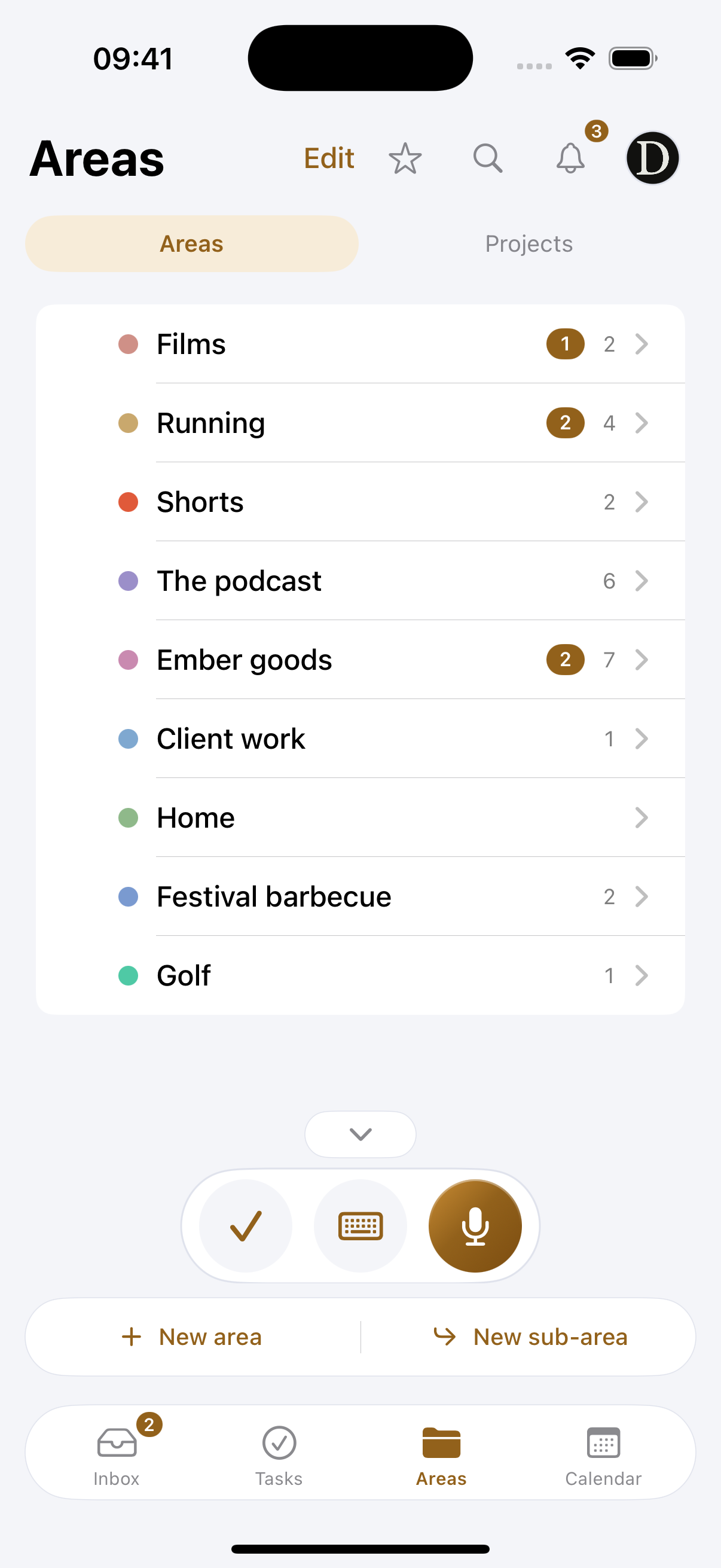
In Drift the inbox fills itself. You say the idea out loud, on your phone, your watch or through Siri, and it arrives as text with a title. Give your channel its own area and Drift will suggest putting video ideas there.

When you pick an idea, make it a project. Drift has a ready-made setup for a YouTube video, with the steps from script to publish as tasks, a page to write the script and a board for thumbnails and references. When the script is done, it opens in the teleprompter.