A script does not have to be word for word. It has to tell you what to say first, what comes next and when to stop. This outline does that on one page.
It is an outline to copy, not a file to import. Press Copy, then paste it into a writing page in Drift or into any notes app, and fill in the lines.
- TITLE
- what the viewer will type or click
- HOOK (0:00 to 0:15)
- one sentence that says what they get, or a question they want answered
- PROMISE (0:15 to 0:30)
- what they will know or be able to do by the end
- WHY LISTEN TO ME
- one line, not a biography
- BEAT 1
- the first point, with one example you can show
- BEAT 2
- the second point, a step up from the first
- BEAT 3
- the point they did not expect
- PAYOFF
- deliver what the hook promised, in plain words
- NEXT VIDEO
- name the one video to watch after this
- B-ROLL AND SHOTS
- a short list per beat
How to fill it in
- Write the payoff first. If you cannot say what the viewer gets, the idea is not ready.
- Write the hook second, and say it out loud. If it takes more than one breath, cut it.
- Give each beat one example. Two examples is a second video.
- Talk the beats through before you type them. Spoken sentences sound better on camera than written ones.
A filled-in example
- TITLE
- The one habit that stopped me losing video ideas
- HOOK
- I used to lose a video idea every single day. Now I lose none, and it takes ten seconds.
- PROMISE
- By the end you will have the same setup on your phone.
- WHY LISTEN TO ME
- I make films for a living and I think best on a bike.
- BEAT 1
- Ideas arrive when your hands are busy. Show the shower, the car, the run.
- BEAT 2
- Typing loses to that moment. Talking does not. Show a ten second capture.
- BEAT 3
- The capture is not the hard part. Sorting is. Show the inbox emptying.
- PAYOFF
- One button, one inbox, ten minutes a week.
- NEXT VIDEO
- How I turn one idea into a finished script.
From template to teleprompter
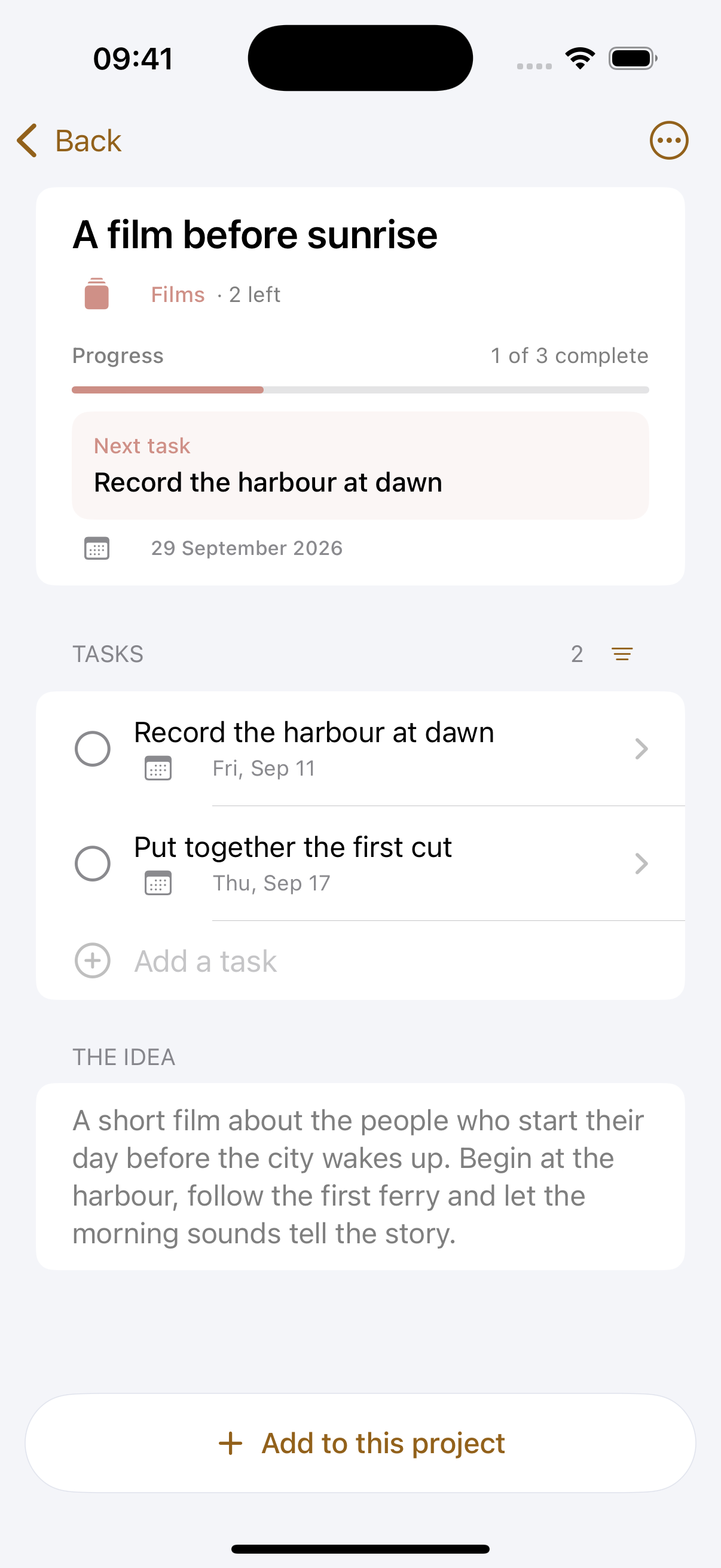
Drift has this structure built in as a ready-made project for a YouTube video. You say the idea, make it a project and get the steps from script to publish as tasks, with a page to write the script on.
When the script is done, it opens in the teleprompter in the same app, without the production notes. Write it, read it, film it.