A short video has room for one idea. The script is there to stop you adding a second one. This outline fits in thirty to forty five seconds of talking.
It is an outline to copy, not a file to import. Press Copy, then paste it into a writing page in Drift or into any notes app, and fill in the lines.
- HOOK (first 2 seconds)
- the line or the image that stops the scroll
- TEXT ON SCREEN
- the hook in six words or fewer
- THE ONE IDEA
- what you want them to remember, in one sentence
- PROOF
- show it. A before and after, a number, a ten second demo
- TURN
- the thing they did not see coming
- LAST LINE
- ends the thought and loops back to the hook
- CAPTION
- one sentence and one question
- SHOTS
- three to five, in order
How to fill it in
- Start with the picture, not the sentence. What do they see in the first second?
- Say the script out loud with a timer. Over forty five seconds, cut the turn or the proof, never the hook.
- Write the last line so the video can start again without a bump.
- One video, one idea. Put the second idea in the inbox for tomorrow.
A filled-in example
- HOOK
- This is every idea I had this week. Hold up the phone.
- TEXT ON SCREEN
- I stopped losing ideas
- THE ONE IDEA
- Say it out loud the second you have it.
- PROOF
- Ten seconds of talking on a walk, then the note with a title.
- TURN
- I never typed any of it.
- LAST LINE
- And that is every idea I had this week.
- CAPTION
- Where do your ideas go? Mine used to go nowhere.
Keep the ideas coming
Short form eats ideas. Posting a few times a week only works if catching an idea takes no effort. In Drift you say it, on your phone, your watch or through Siri, and it lands in your inbox as text with a title.
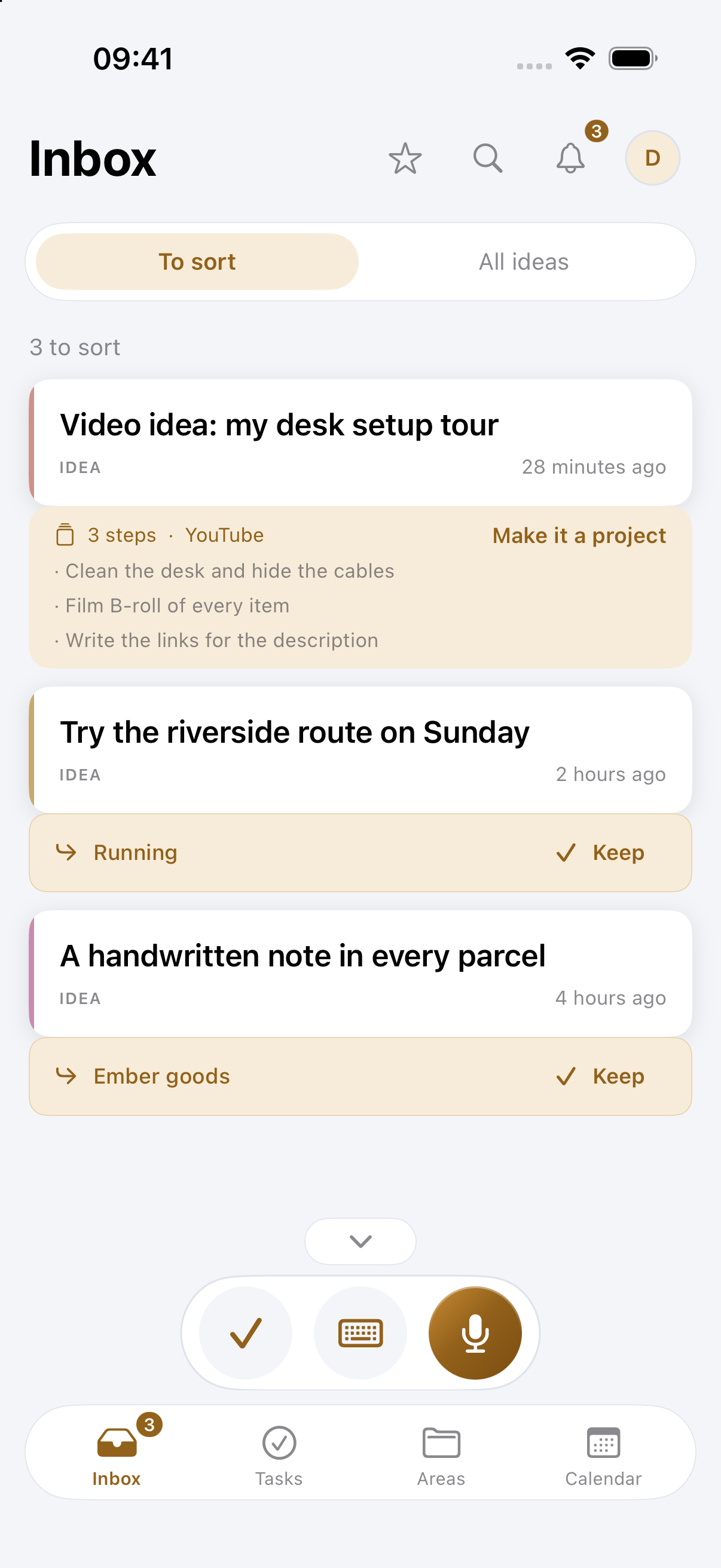
Drift also has a ready-made project for Shorts and Reels, with the steps as tasks and a page for the script. When you film, the script opens in the teleprompter.