The watch is on your wrist when the phone is in a bag, a locker or another room. That makes it the best place to catch a thought on a run, on the bike or in the supermarket. The question is what you get back afterwards: a recording, or words.
What the Apple Watch does on its own
- Voice Memos on the watch records audio and syncs it to your iPhone. On recent iPhones you can open the memo and read a transcript, one memo at a time.
- Siri on the watch can make a note or a reminder, but it stops at the first pause, so it suits one short sentence.
- Dictation in Notes or Messages works, but you are tapping small buttons on a small screen first.
All three work. None of them tells you what the note was about, and none of them puts it anywhere. You still have to open each one on the phone and decide what to do with it.
What to look for in a watch voice note app
- One tap to start, from the watch face. If you have to find the app first, the thought is gone.
- Text, not audio, as the result.
- A title on every note, so the list is readable.
- The note shows up on your phone and Mac without you doing anything.
On a run you have about five seconds of attention to spare. The capture has to fit inside that.
How Drift does it on the wrist
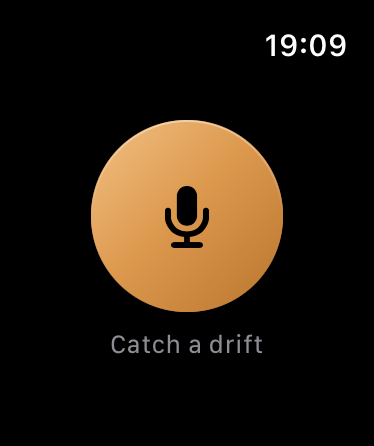
Drift on Apple Watch is one big button. Raise your wrist, tap it and talk. There is a button for the watch face too, so it is one tap from the time. Your phone can stay in your bag.
What you said arrives in your Drift inbox as text with a title. If the thought had steps in it, they are pulled out as tasks. Back at your desk it is already on your iPhone, iPad and Mac, ready to be kept, moved or turned into a project.
A habit that sticks
Put the Drift button on the watch face you use most. For one week, tap it every time you think "I should remember that". At the end of the week, read the inbox. Most people are surprised how much they would otherwise have lost.